Celsius & Fahrenheit
Does 17°C mean nothing to you? Does 100°F sound like a furnace? See both on every widget and finally get it straight.
Home Screen and Lock Screen widgets that always show the temperature in both scales — now with a 5-day forecast, a converter, and a photo of the city you’re in.


Five widgets
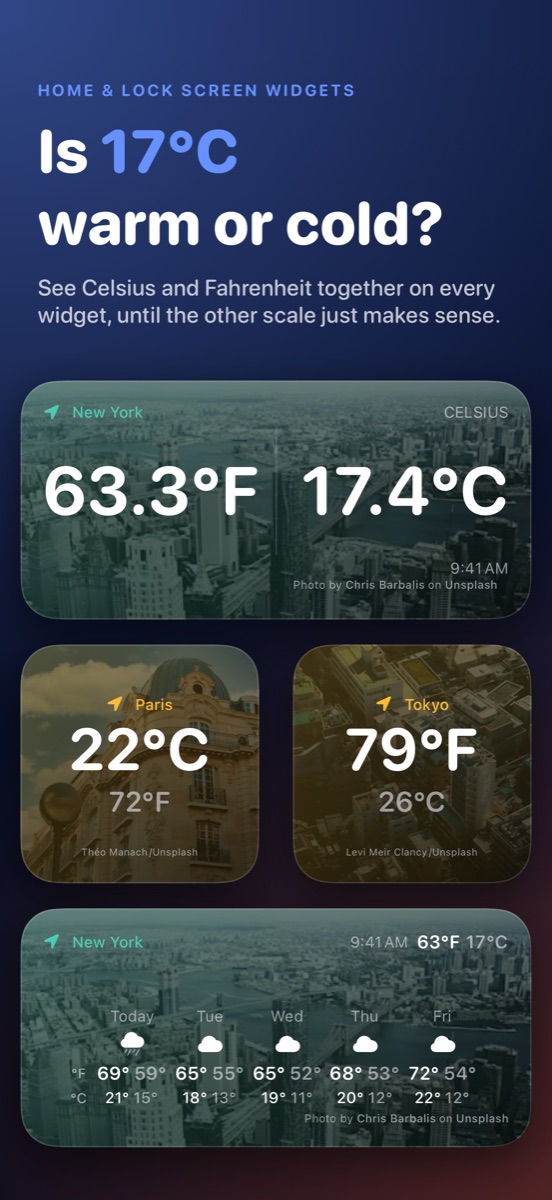
Pick which scale leads — Celsius if you’re learning it, Fahrenheit if that’s what you think in, or Automatic — from Edit Widget. The other is always right beneath it.
-
Small
Your lead scale large, the other right beneath it.
-
Medium
Both scales side by side, full width, over a photo of where you are.
-
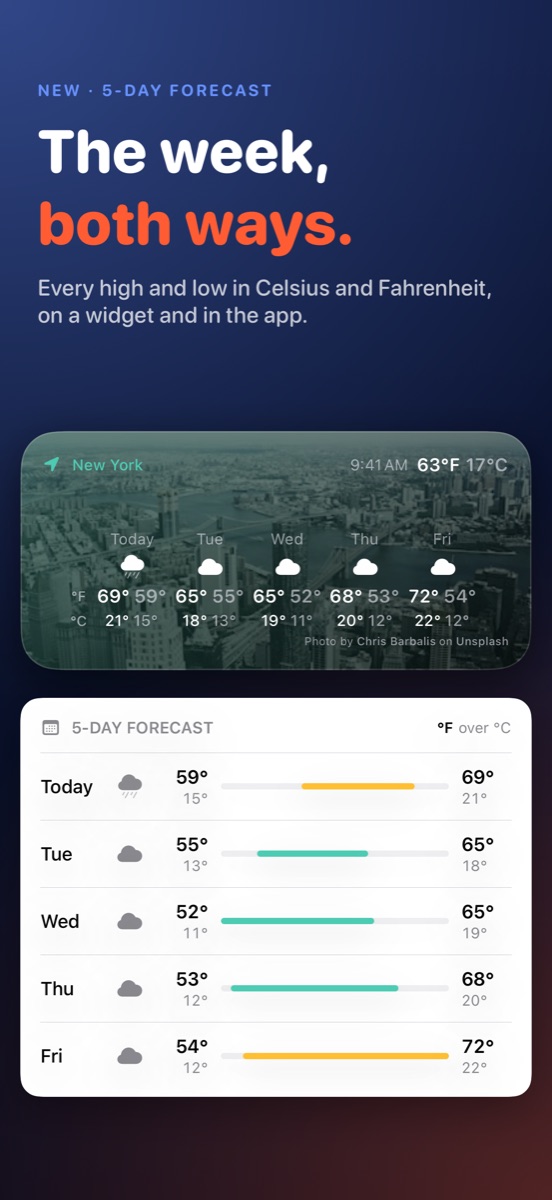
5-Day Forecast
Daily highs and lows in both scales, plus the temperature right now.
-
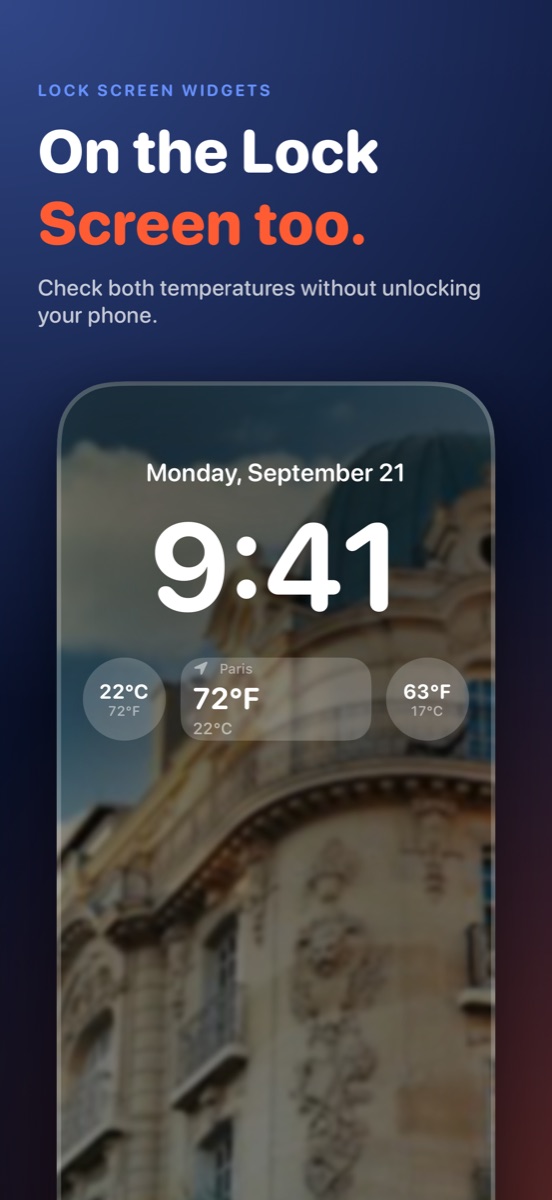
Lock Screen
Circular and rectangular — check both readings without unlocking.
In the app
-
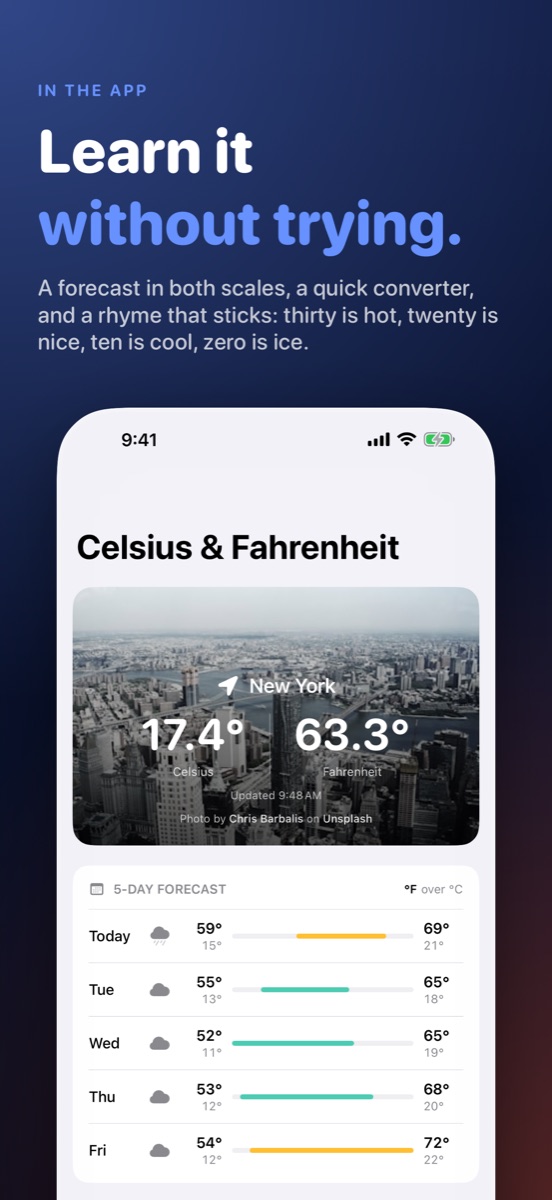
Current conditions, both ways
Today’s temperature in °C and °F over a photo of your city.
-
5-day forecast
Highs, lows and range bars for the week, in both scales.
-
Converter with fun facts
Type any temperature and see what it means in the other scale.
-
Follows you
Travel to a new city and the app and widgets update on their own. Pull to refresh any time.
Thirty is hot, twenty is nice,
The rhyme the app teaches you — and after a week of glancing at both scales, you won’t need it.
ten is cool, zero is ice.
Runs on
- iPhone — iOS 17 or later
- iPad — iPadOS 17 or later
- Mac — macOS 14 or later, Apple silicon
- Apple Vision Pro — visionOS 1 or later, as a widget
Privacy
No accounts, no ads, no tracking. Your location is used to fetch the weather and is never stored. Weather comes from Open-Meteo; city photos come from Unsplash, credited on every widget.